Dexma Imagility Desktop Install - Virtual Loan Folder (VLF)

Mar 14, 2022
 11
11
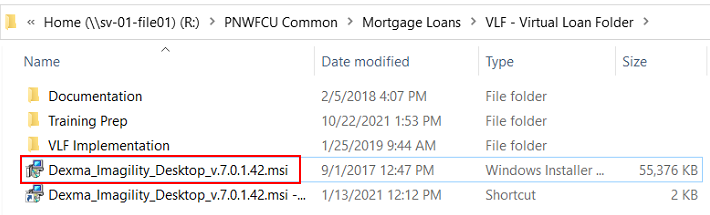
Installer located here: R:\PNWFCU Common\Mortgage Loans\VLF - Virtual Loan Folder
Double click Dexma_Imagility_Desktop_v.7.0.1.42.msi
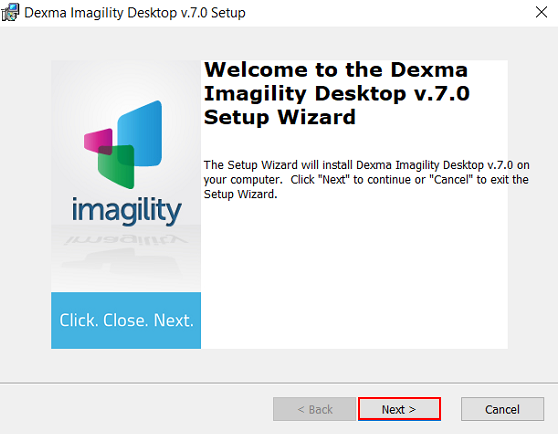
Click Next.
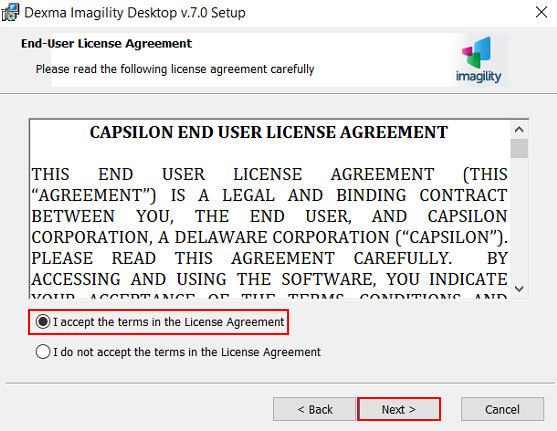
Accept terms in the license agreement and click Next.
Click Next.
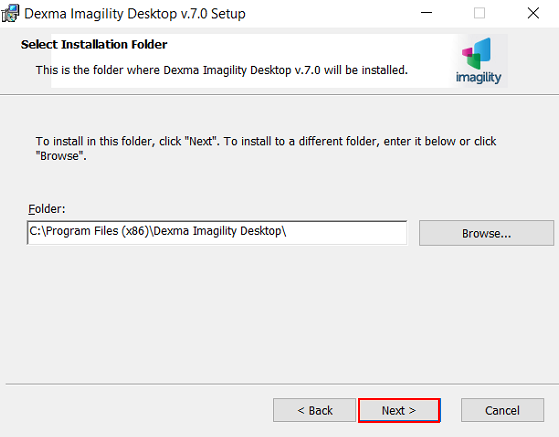
Click Next.
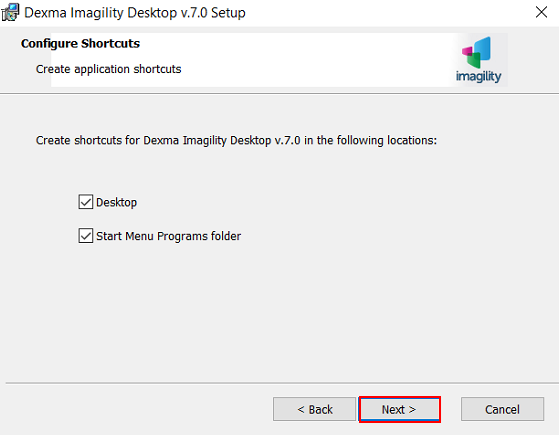
Click Next.
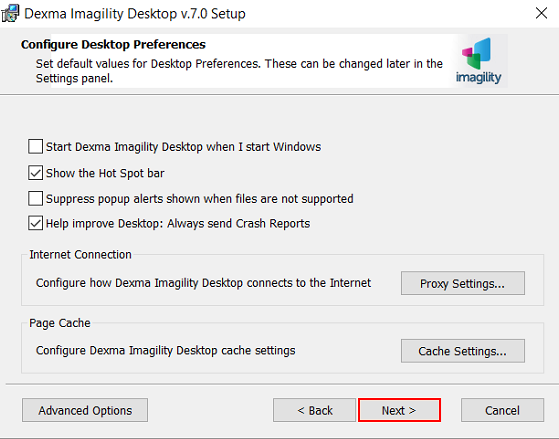
Click Next.
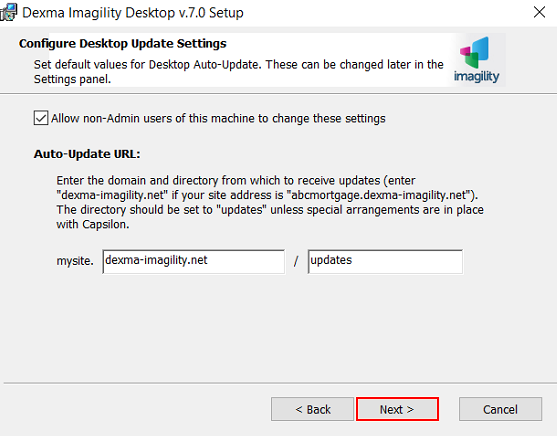
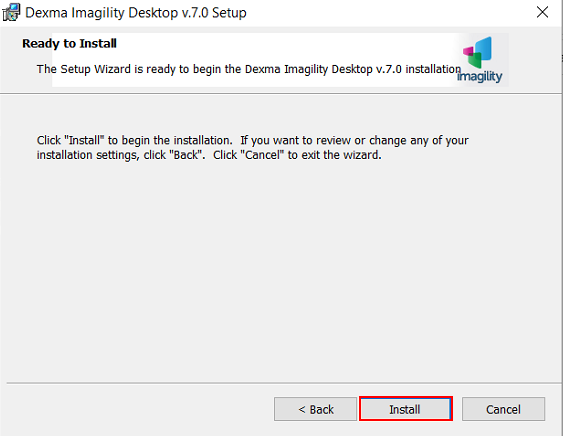
Click Install.
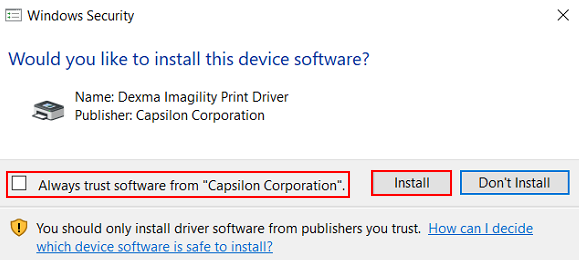
Uncheck Always trust software from Capsilon Corporation and click Install.
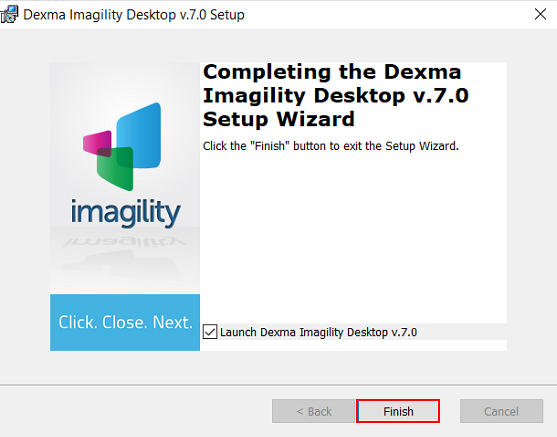
Click Finish.
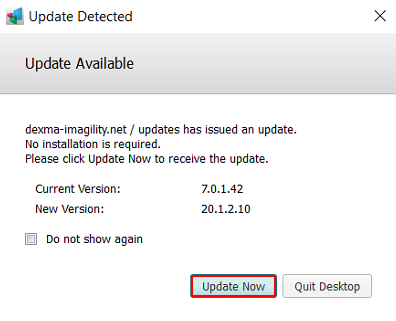
You may encounter an update pop up. If so, select Update Now.