


Install Genesys Desktop Application

May 19, 2022
 4
4
HOWTO:
Install Genesys Cloud Desktop Application
(phone system. Avtex is the support company)
- Download the application either from
- Our network - \\vs-file01\Software\Genesys
- The web (if off VPN) Genesys Cloud for Windows (mypurecloud.com)
- Double click the .exe file either from the file server or wherever you saved it on your machine
- When asked for region, select “Americas (US West)
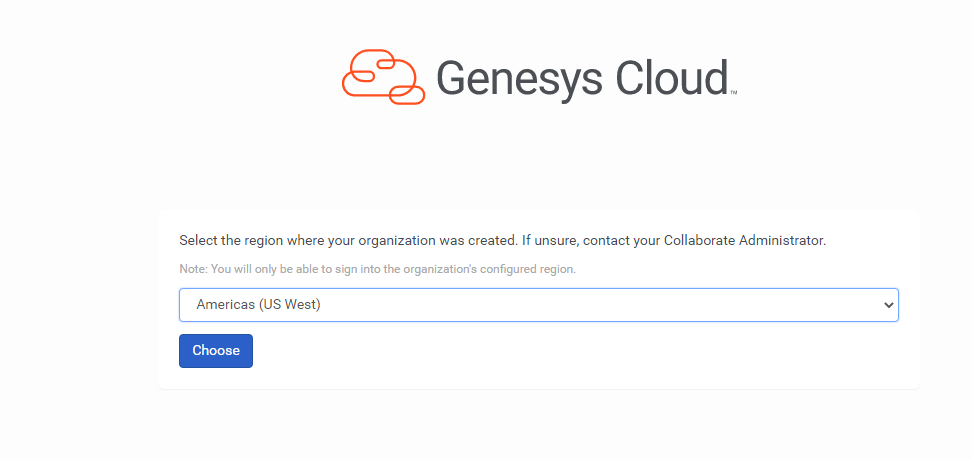
- (you may need to select it twice) Click Choose.
- Once the software installs, you will be asked to enter your Username and password.
- That’s it! You can adjust settings and use Diagnostics is having problems. It is very similar to the browser app.


