


XP2 Compatibility View Settings in IE

Apr 14, 2022
 49
49
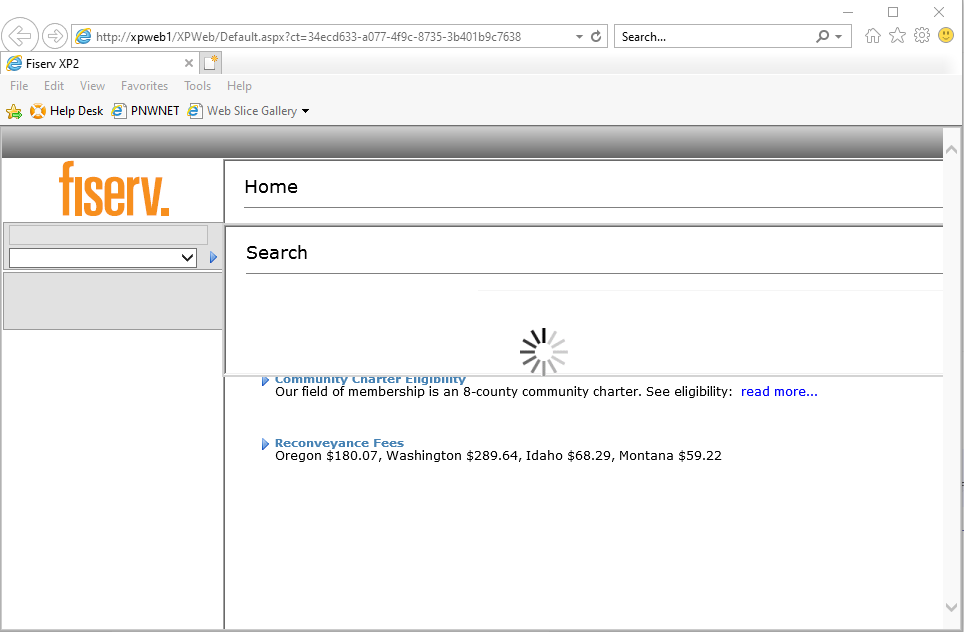
When Opening XP2 for the first time you may need to need to change the compatibility view settings for the window to display properly.
Example of XP2 window with improper settings.
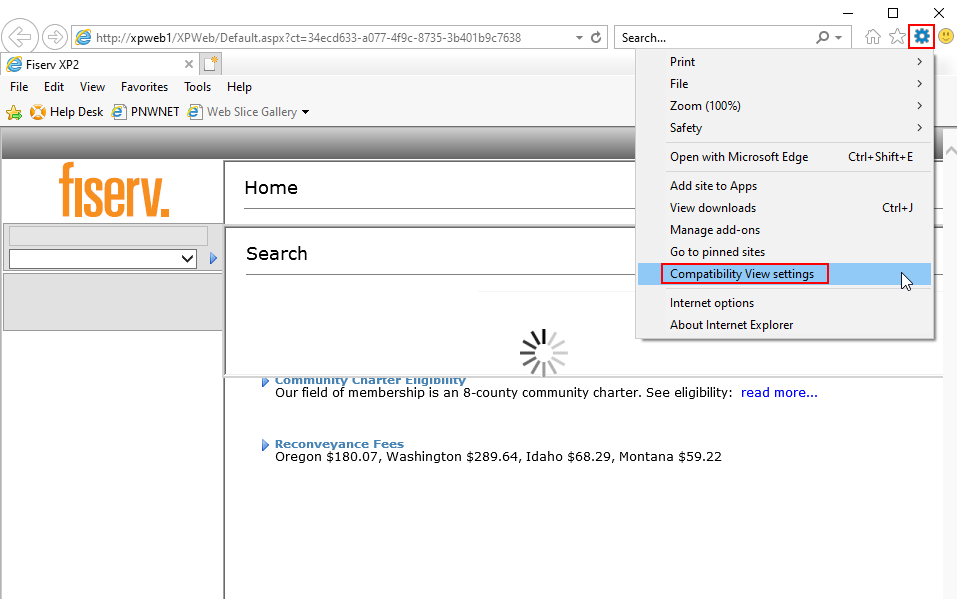
To correct click the settings menu and select Compatibility View Settings.
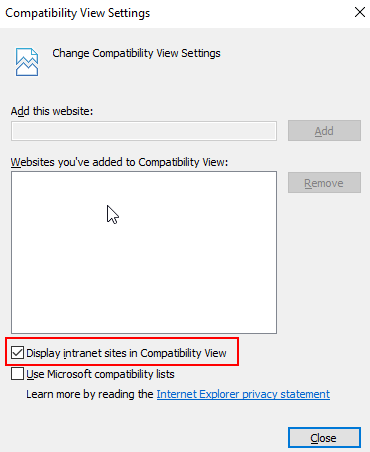
You will see a seperate window open. Uncheck the Display intranet sites in Compatibility View checkbox and click close.
Note: Both checkboxes should be unchecked.
You should see the following window after clicking close.
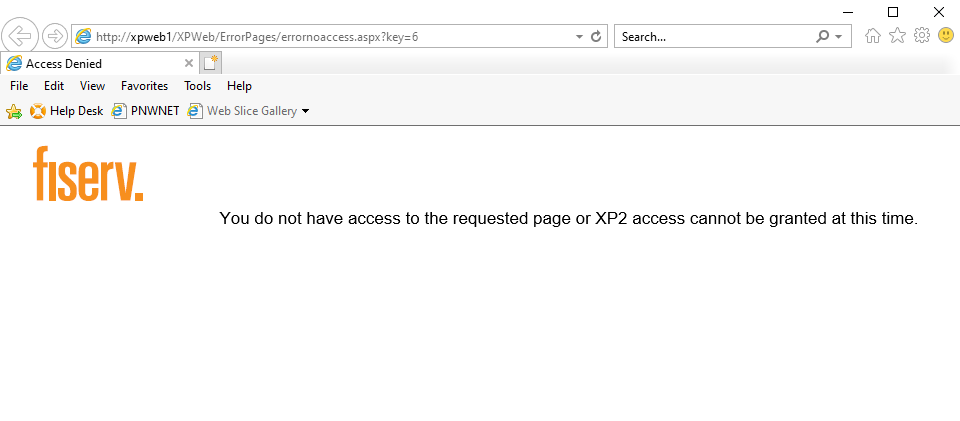
Once you reopen XP2 your window should display properly.

