How to open a helpdesk ticket

Dec 16, 2021
 16
16
There are two ways to open a ticket.
- Send an email to [email protected]. In the body of the email include the reason for opening the ticket. A ticket will be opened automatically when the email is received.
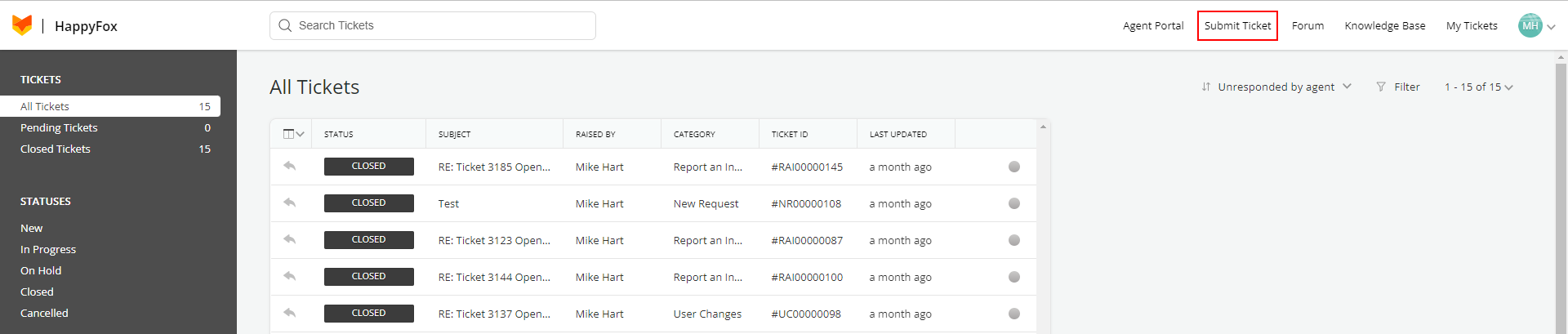
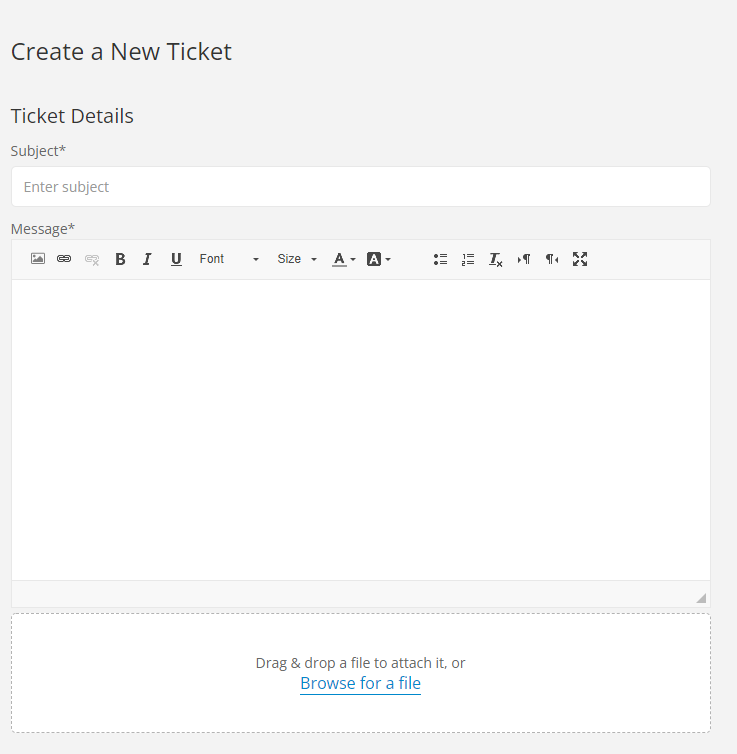
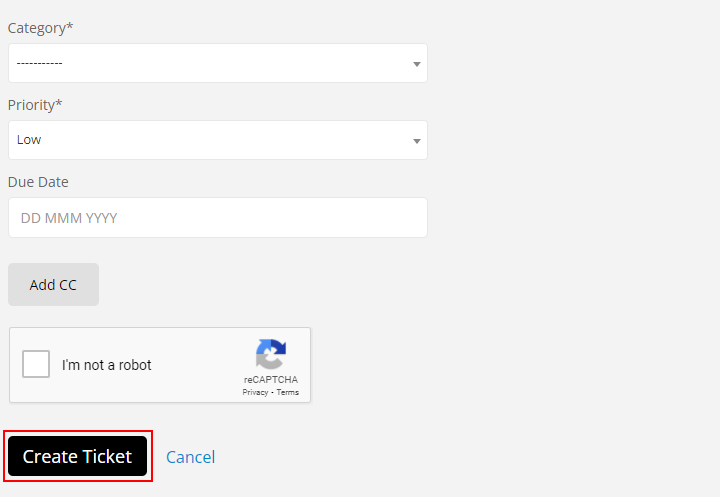
- Within the HappyFox portal click Submit Ticket, enter the ticket details, then click Create Ticket.
Helpdesk URL: https://pnwfcu.happyfox.com
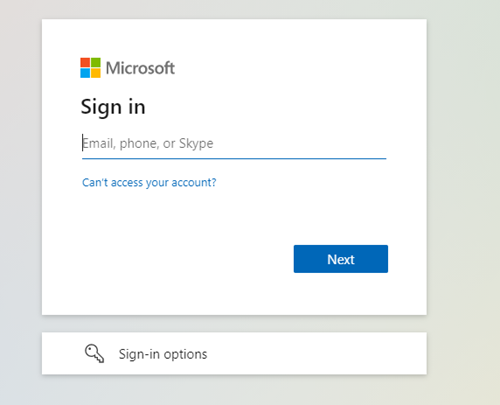
When you navigate to the site above you will be directed to a Microsoft login portal.
Enter your email and password and click Next.
Once logged in you will see a portal allowing you to submit a ticket, view past tickets, and view the growing knowledge base.