Access to USC Remote Desktop Services

Nov 20, 2025
 44
44
Access to Remote Desktop Services (RDS)
RDS allows you to connect to XP2 remotely. You can connect to the live environment or the test environment (XPA).
Navigate to https://oncore.unitedsolutions.coop/RDWeb/Pages/en-US/login.aspx log in with your USC credentials.
Username: sgc\firstname.lastname
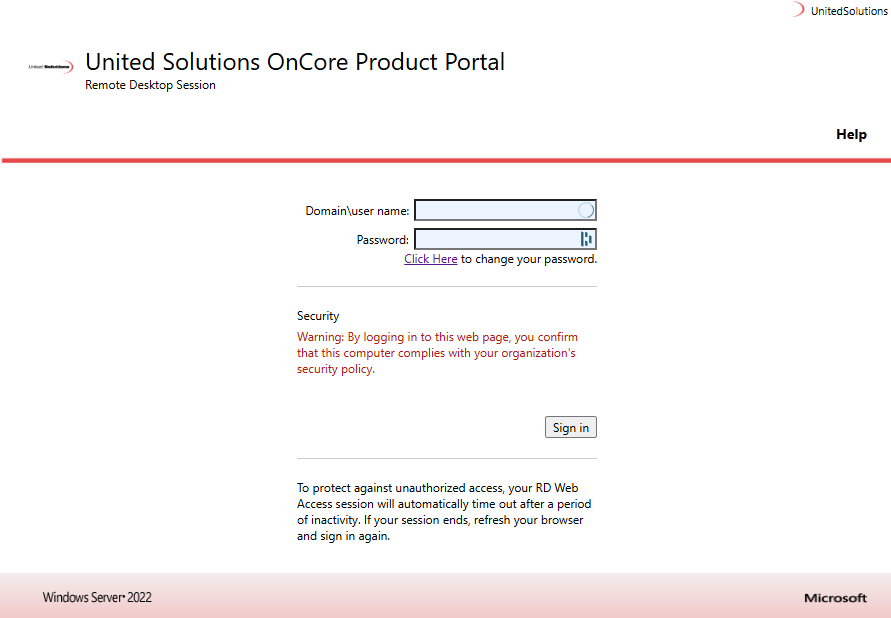
Once you log in you can access the live or test environment (XPA).
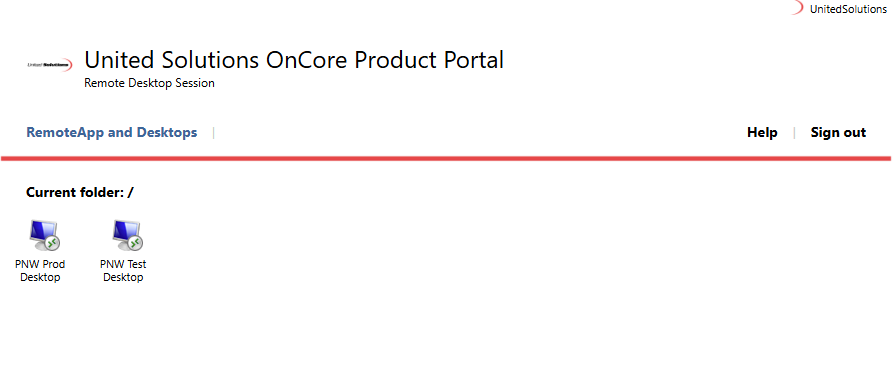
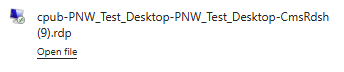
After selecting an option above, it will download a client. Double click the download to open, then click connect.
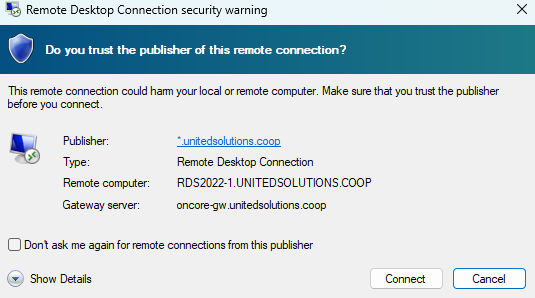
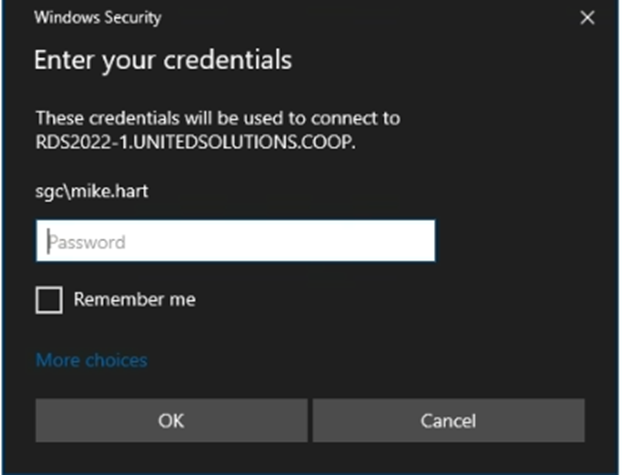
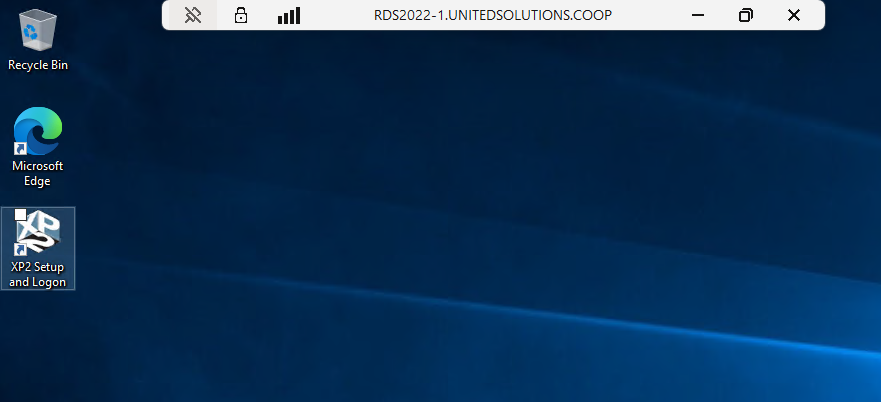
It will prompt you to enter your credentials. Click OK and it will connect you to a desktop.