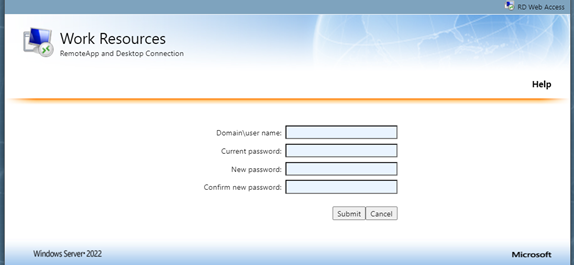
Collector Password Reset for USC

Aug 15, 2023
 6
6
1. Open Microsoft Edge.

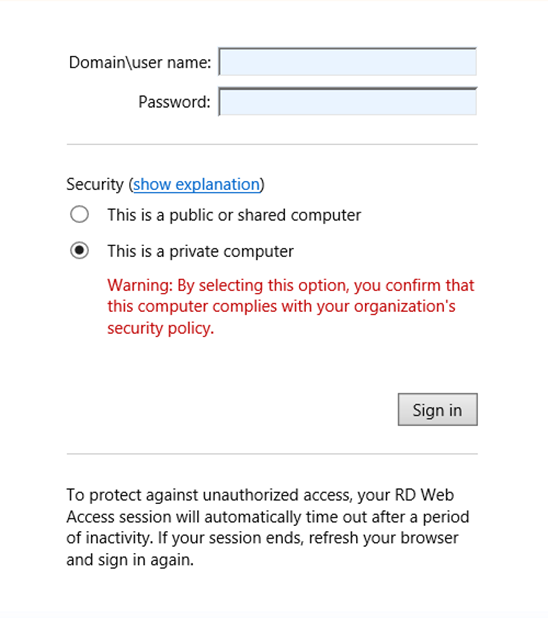
2. Browse to https://oncore.unitedsolutions.coop. Select the radio button for Private Computer and type in your USC credentials. Username uses the following format SGC\firstname.lastname. Please notice that you must append “SGC” to the username.
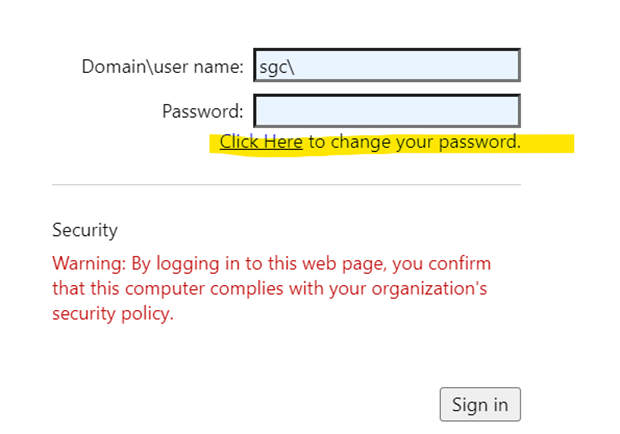
3. If you forget your password please click the “click here” link.
4. Enter credential information below and click submit.