New Outlook Setup

May 19, 2025
 2
2
Signing into Oulook
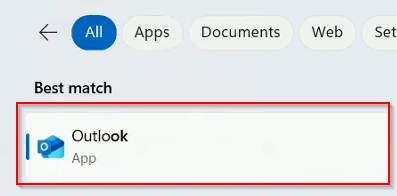
Type in Outlook in the search bar to launch Outlook.
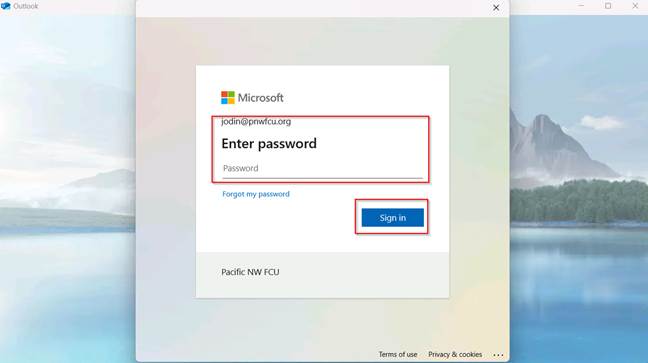
Enter Credentials, click Next.
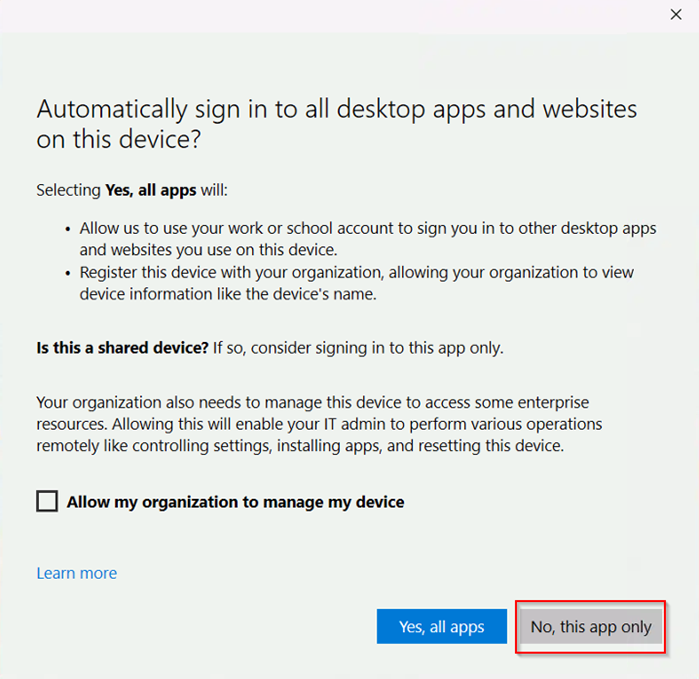
Uncheck “Allow my organization to manage my device”. Click “No, this app only”.
Outlook will add your account and open your inbox.